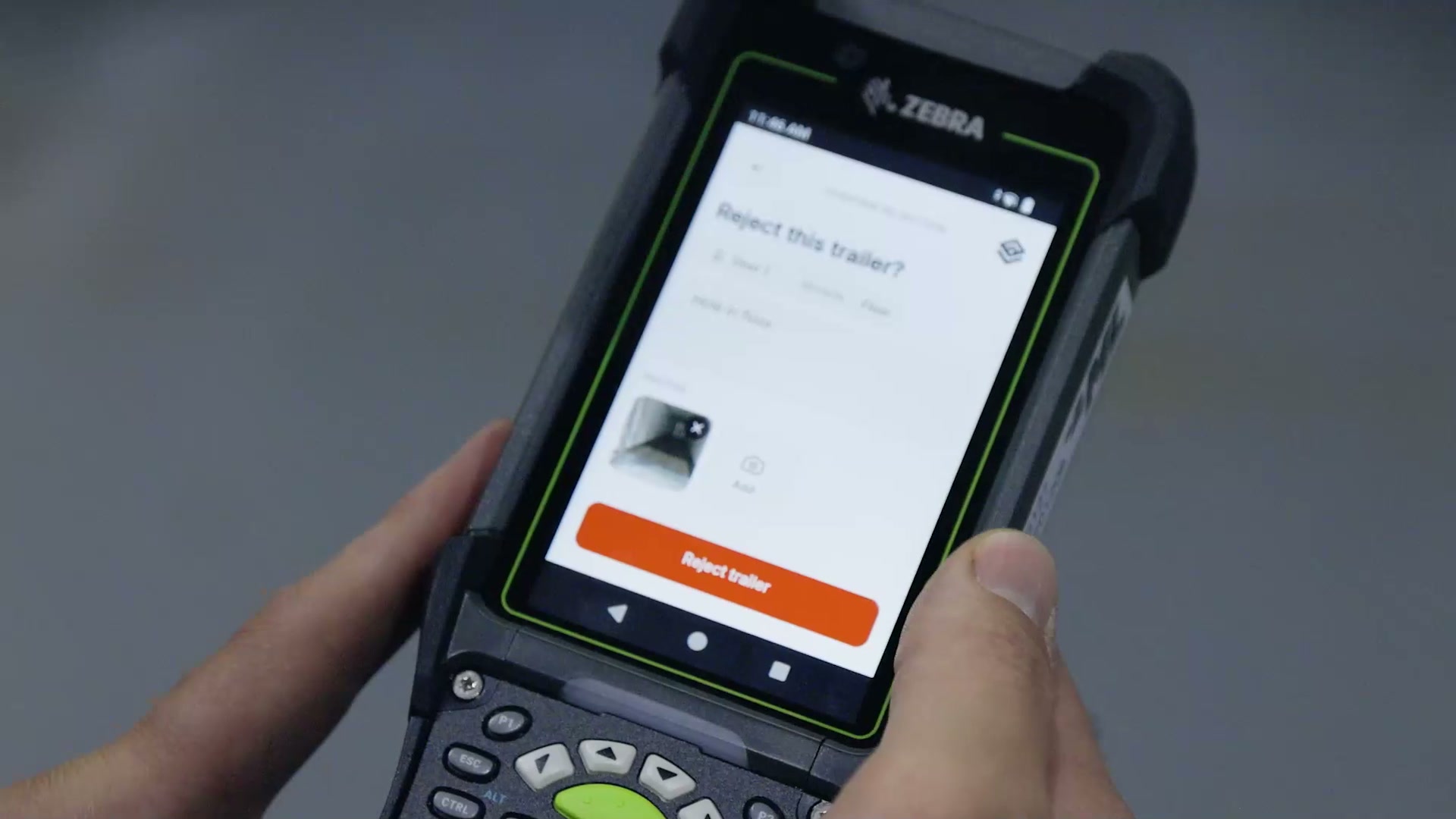
Dock terminal
The dock stops calling the office.
Load, unload, turn a trailer away, and read the same board and appointment book the office is on. A door number opens the work and one tap closes it. Nobody keys a status afterwards.

At the door
Turning a trailer away, with the evidence already on it.
The home screen
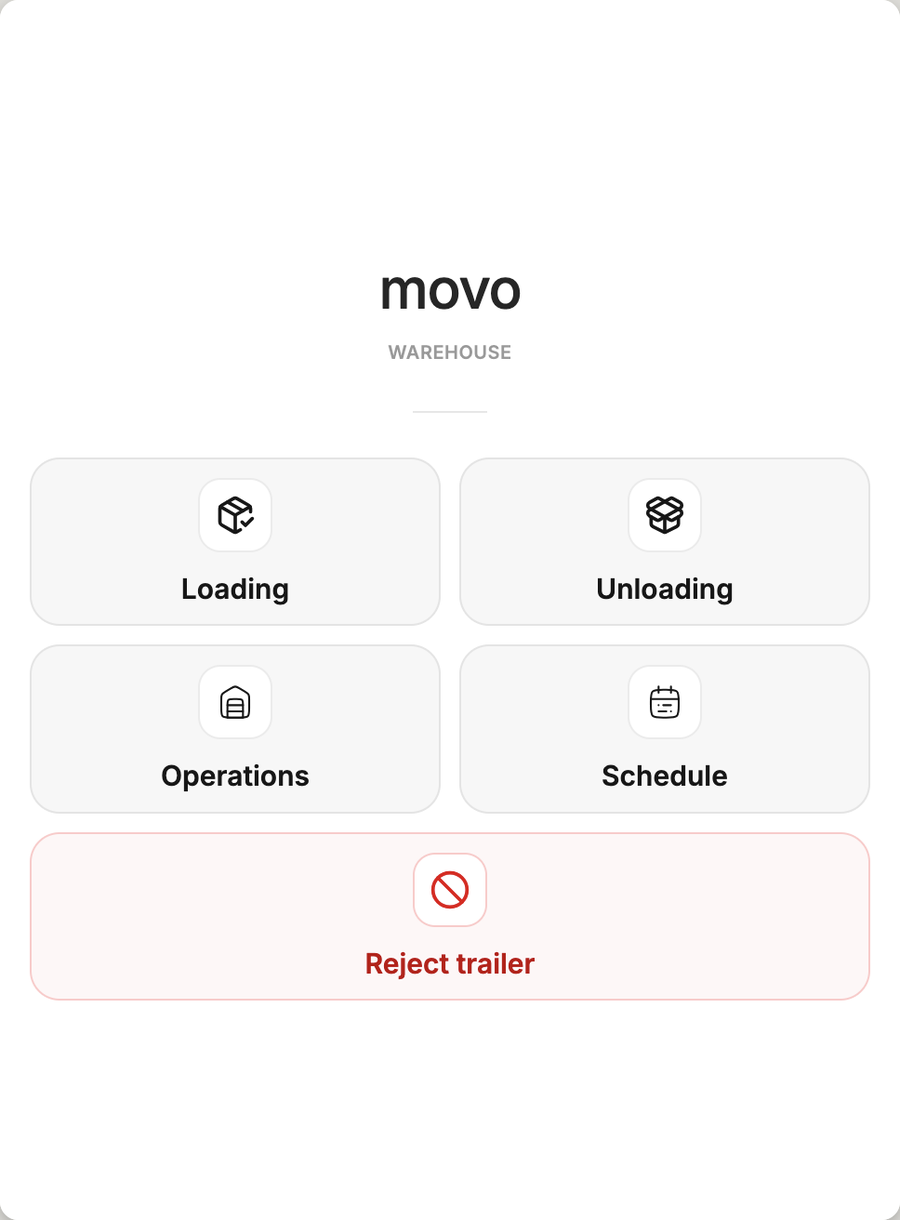
Five tiles, and no menu under any of them.
Loading, unloading and rejecting are the work. Operations and Schedule are there because the two questions a dock asks the office all day are what is at door 45 and whether this load is even on the book.

One screen, five tiles
What the door needs, and nothing else on top of it.
Start to finish
Two taps and a door number.
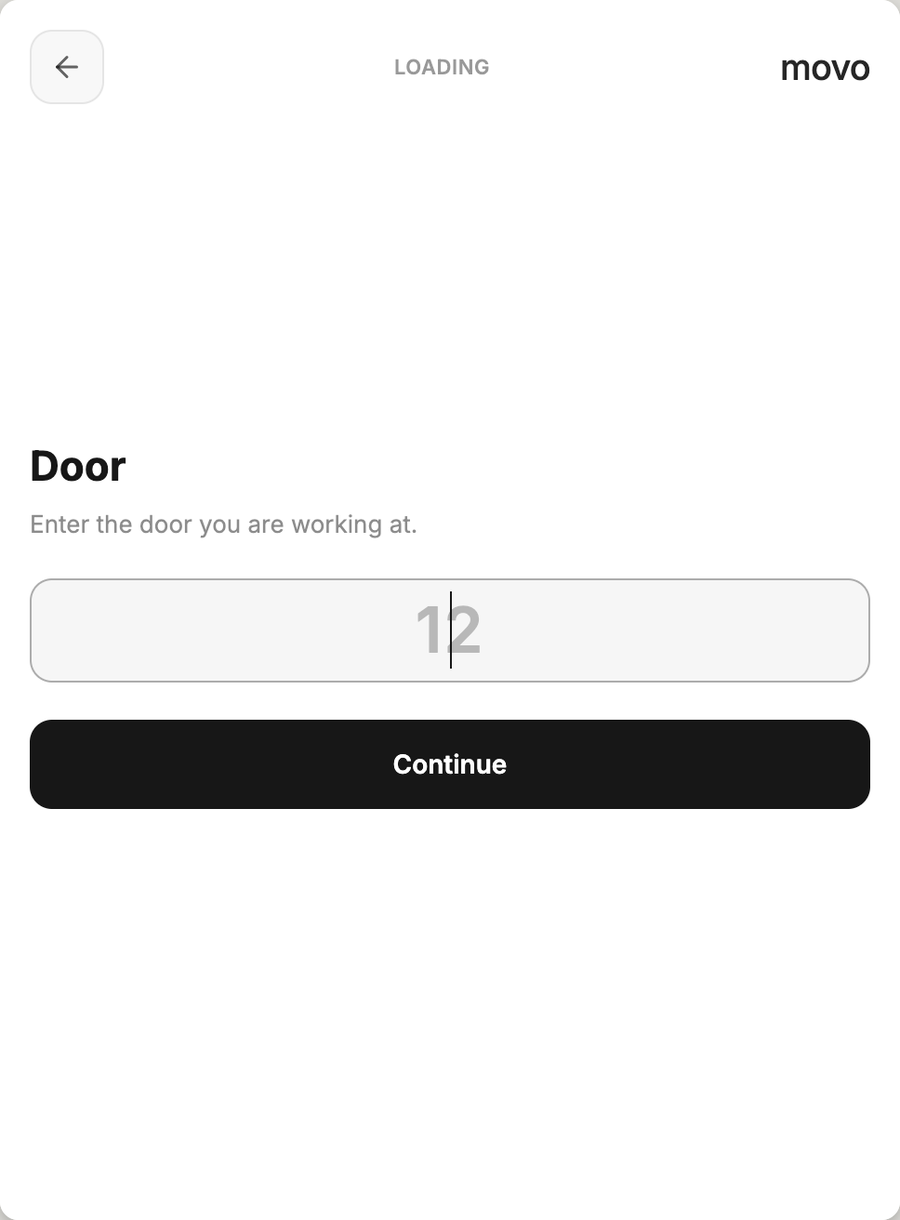
There is nothing to look up first. A dock worker always knows which door they are standing at, and that is the whole input.

The only input
The door you are standing at. Then the work is open.
Loading or unloading
One tap picks the mode.
The door number
Tracked work opens on it.
The order
Search and tap, if it needs one.
Done
The trailer stamps its own state.
The three that used to be a radio call
The exception is handled by the person standing at the door.
A door flow that only works when the paperwork is perfect sends every real morning back to the office. These are screens, not errors.
The door is empty
It asks for the trailer number and creates the trailer at that door. A walk-up nobody booked is working in under a minute.
Nothing is linked to it
Search the WMS id or the reference number the driver handed over, tap the order, and the trailer is matched to its appointment.
The state disagrees
A trailer the board calls loaded, asked to load again. The terminal shows the state now and the state after, and will not start until it is settled.
The board, at the door
Every door and spot, on the gun.
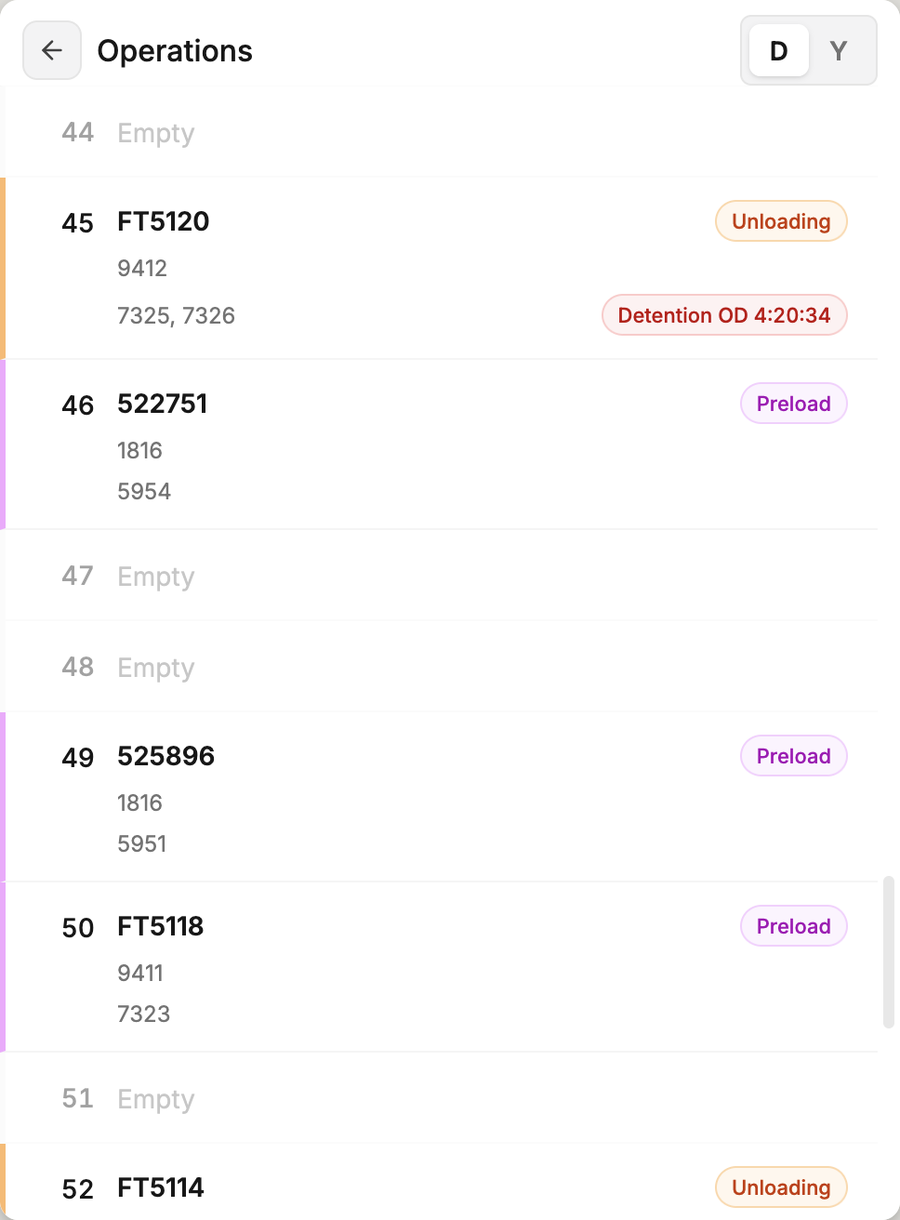
Doors or yard, what is on each one, its orders, and detention counting down on the row it belongs to. The same live board the office is watching, and read-only here: the terminal reports the door it is at and reads everything else.

Door 45
Unloading, and detention has been running four hours.
The book, in hand
Is this load even on today's schedule?
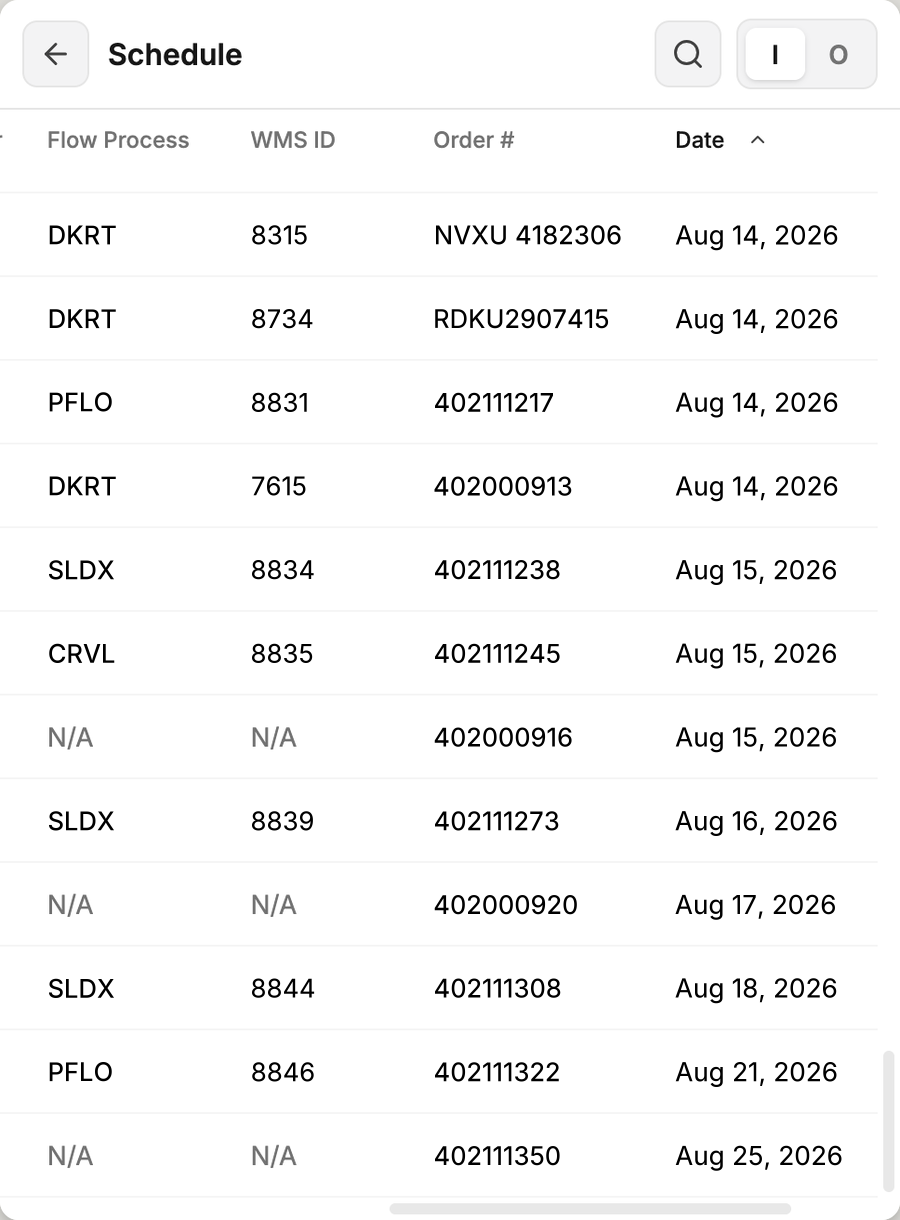
Search the appointments by WMS id, order number or reference, inbound or outbound, open or every one. The driver at the door gets an answer from the person they are talking to.

Inbound, open
Flow process, WMS id, order and date, sorted by day.
Turning one away
A rejection carries its own evidence.
Five reason categories, a note, and photographs taken on the device while the trailer is still at the door. The appointment reopens on its own and the office is told, with the photos on it.

On the device
The photograph is taken where the problem is.
When it closes
Nobody keys a status afterwards.
Completion sets the trailer's own state: an outbound leaves it loaded and outbound, an inbound leaves it empty. The office board follows without a radio call, and the screen resets itself for the next trailer.
- 2 tapsFrom the home screen to open, tracked work
- 1 tapCloses it and sets the trailer state
- 5Rejection reason categories, each with photos
- InstantThe office board already has it
Safe to hand out
Scoped to one campus, however it's carried.
A terminal signs in with dock rights bound to one campus. Mount it on a wall or hand it to a driver, it never outgrows the building.

Device rollout
The gun the dock already carries.