Mobile operations
Give authorized teams mobile access to approvals, yard status, and reports.
Authorized users review current operating status and required actions from the office, dock, or yard.
Exception response
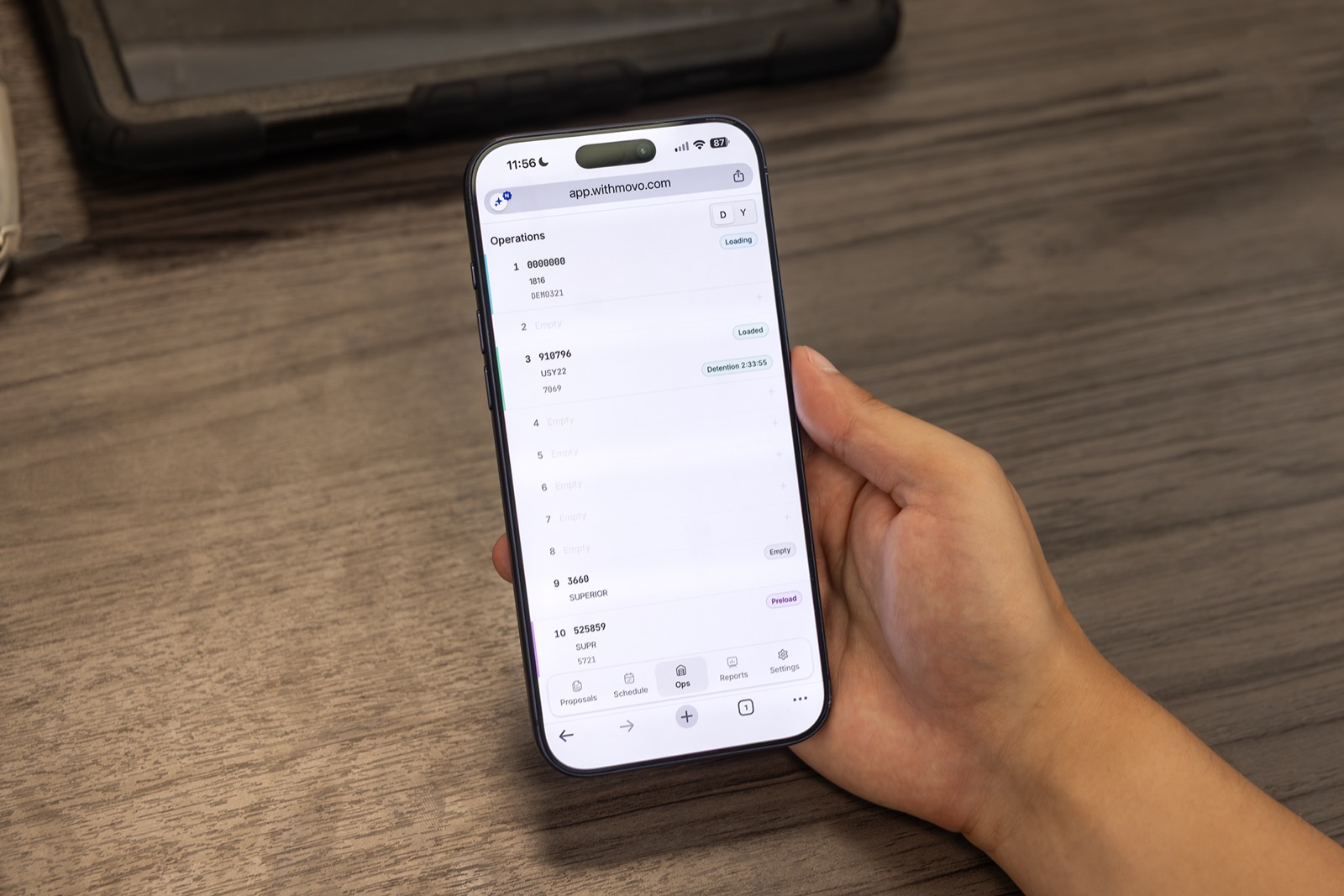
Monitor detention and exceptions away from the desk.
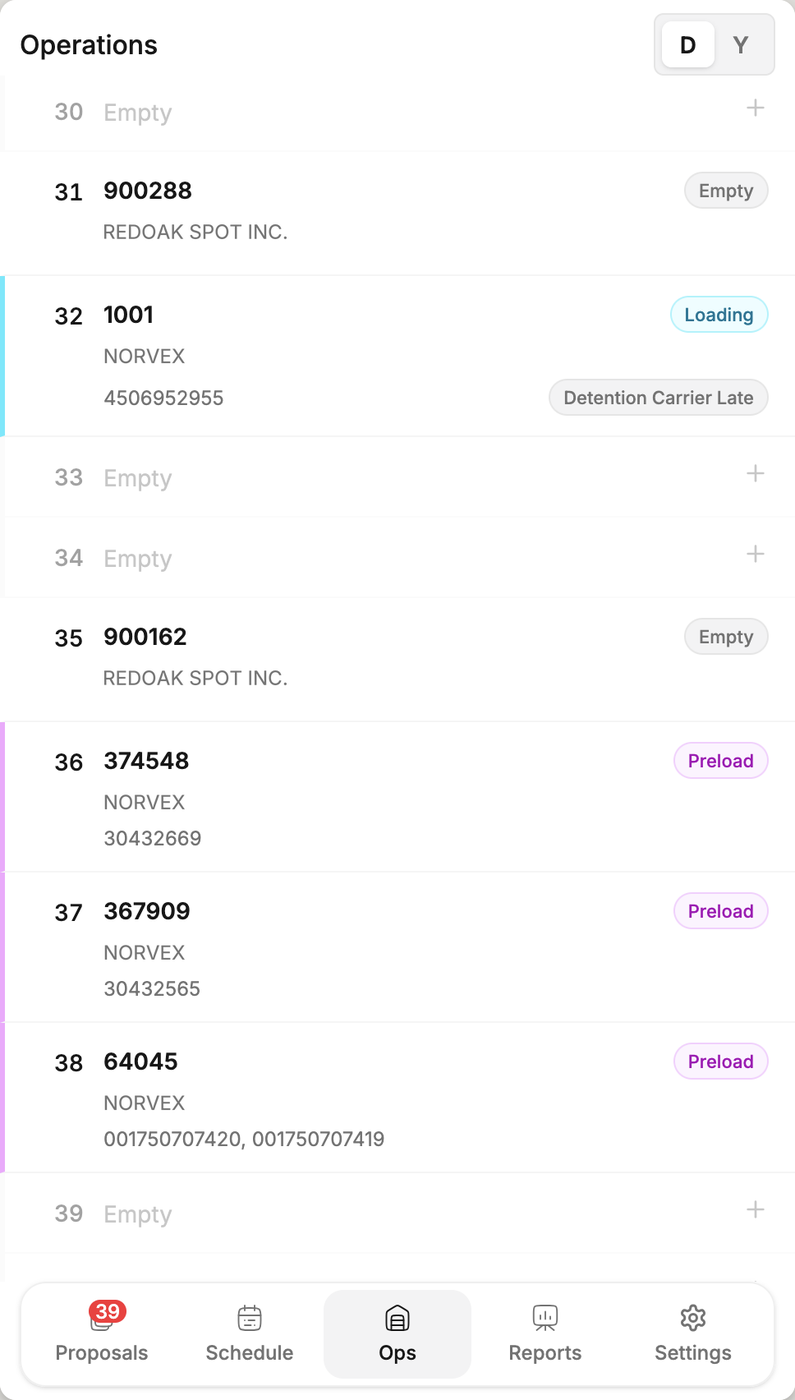
The mobile view shows the door, trailer, account, load status, and remaining free time for loads requiring attention.
Mobile workflows
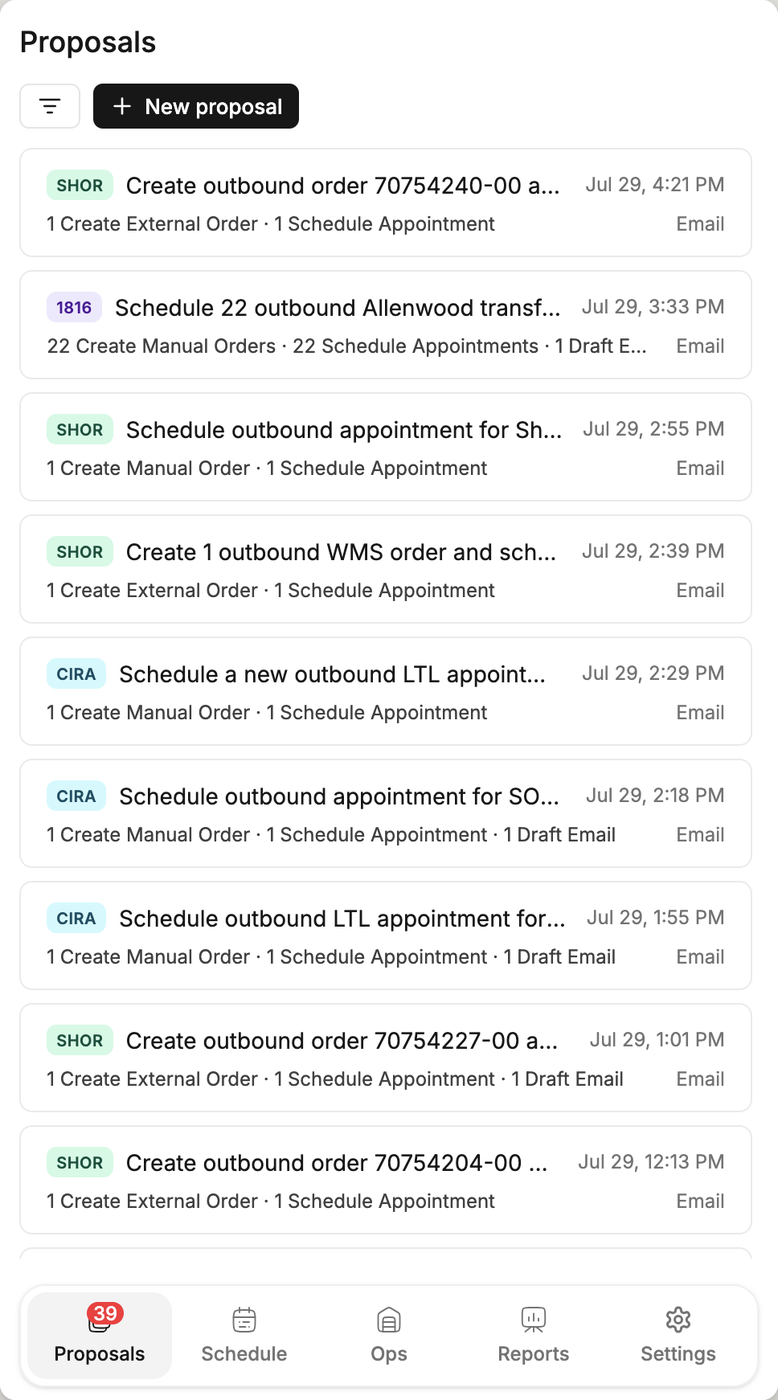
Review and approve proposed work.
The source request, the related WMS data, and the drafted response are on screen when the decision is made.
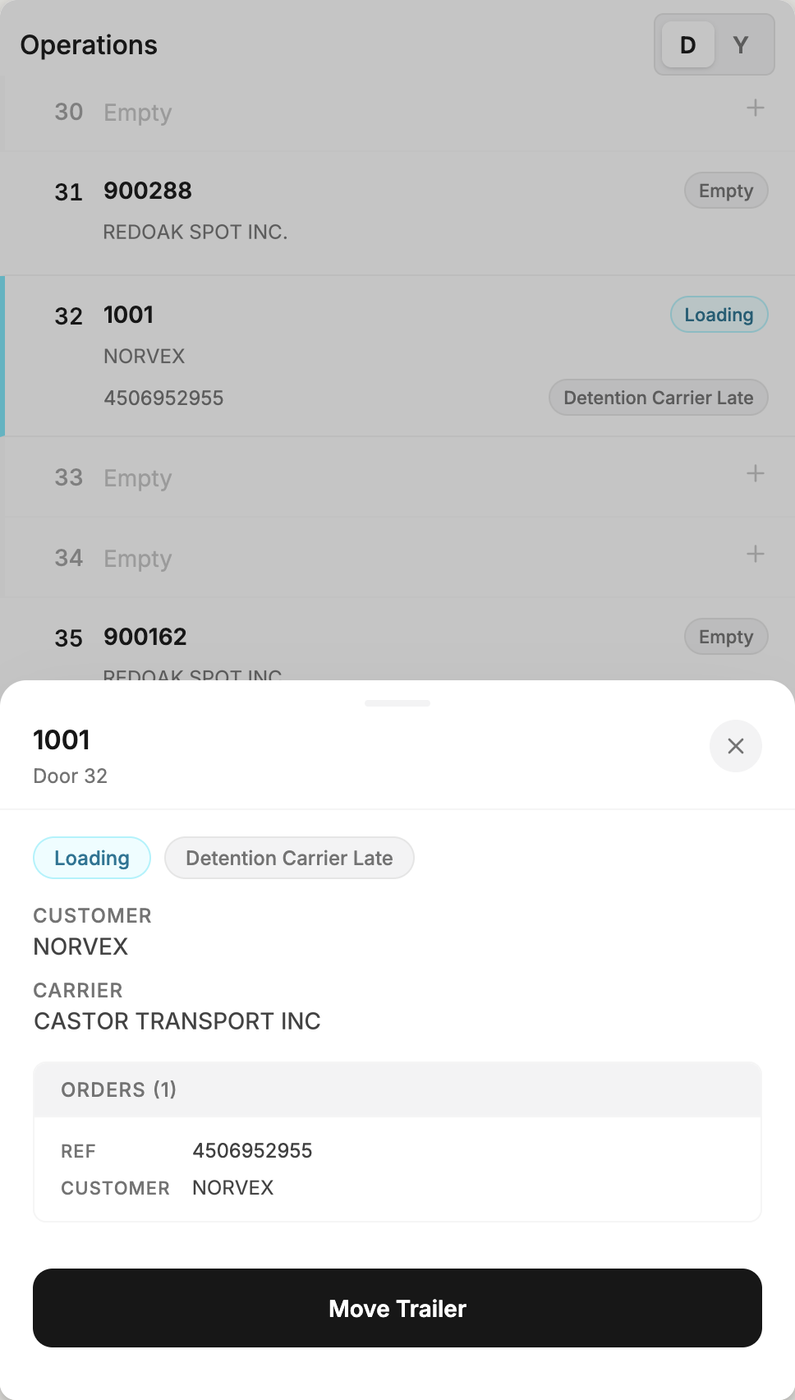
Assign trailer moves from the field.
The trailer’s account, carrier, related orders, and current location are confirmed before its destination is set.
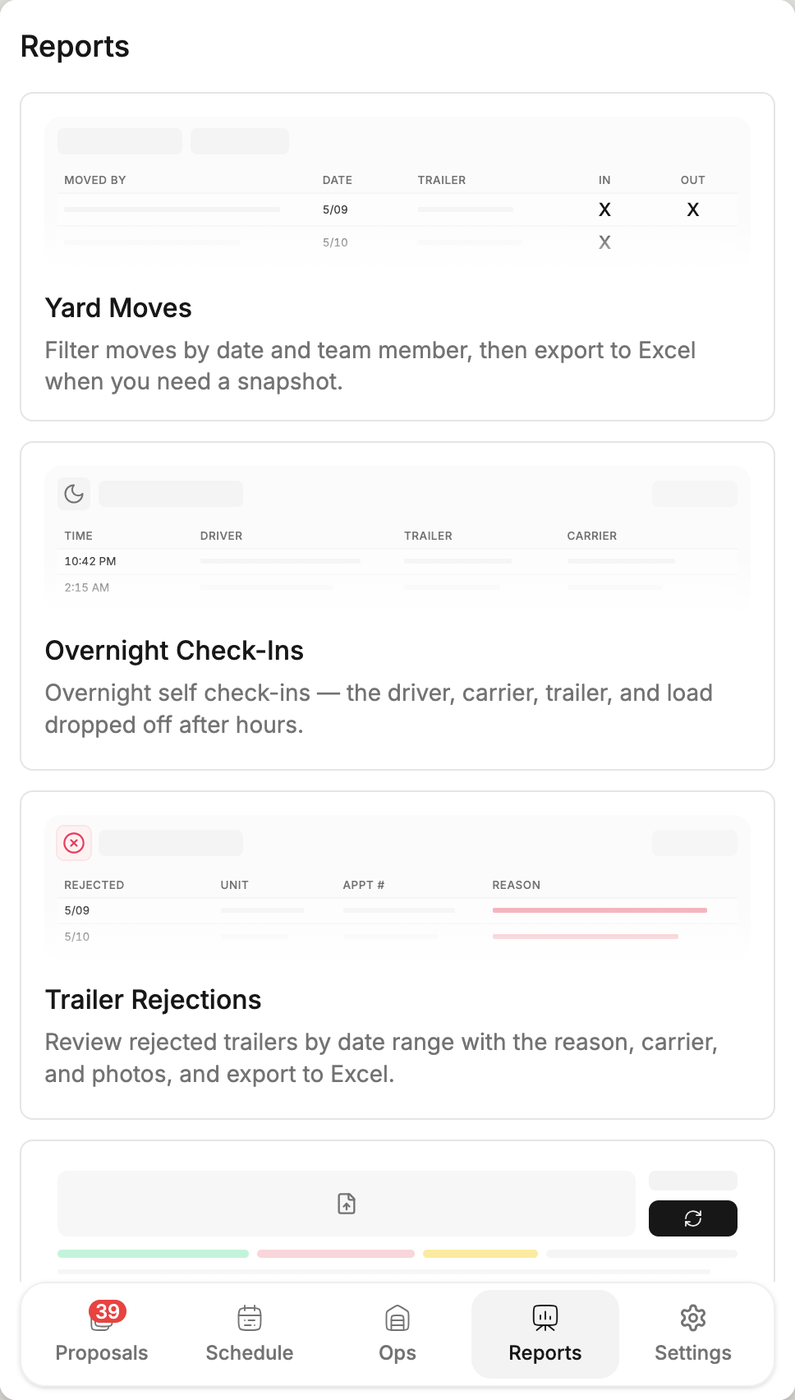
Set the next shift’s priorities from overnight activity.
After-hours arrivals, completed yard moves, and trailer rejections are available before the morning shift starts.