The AI-Native Warehouse Operations Platform.
Automate the work from customer request through warehouse execution.
See how Movo coordinates a truck visit from request through departure.

In production across Moran Logistics’ Pennsylvania warehouse network.
Why Movo is different
Movo is the premier platform for automating warehouse operations from an inbound request to physical execution.
Dock scheduling software, yard management systems, and the WMS each manage a single stage of the operation, while Movo automates the work connecting them.
From request to approved plan
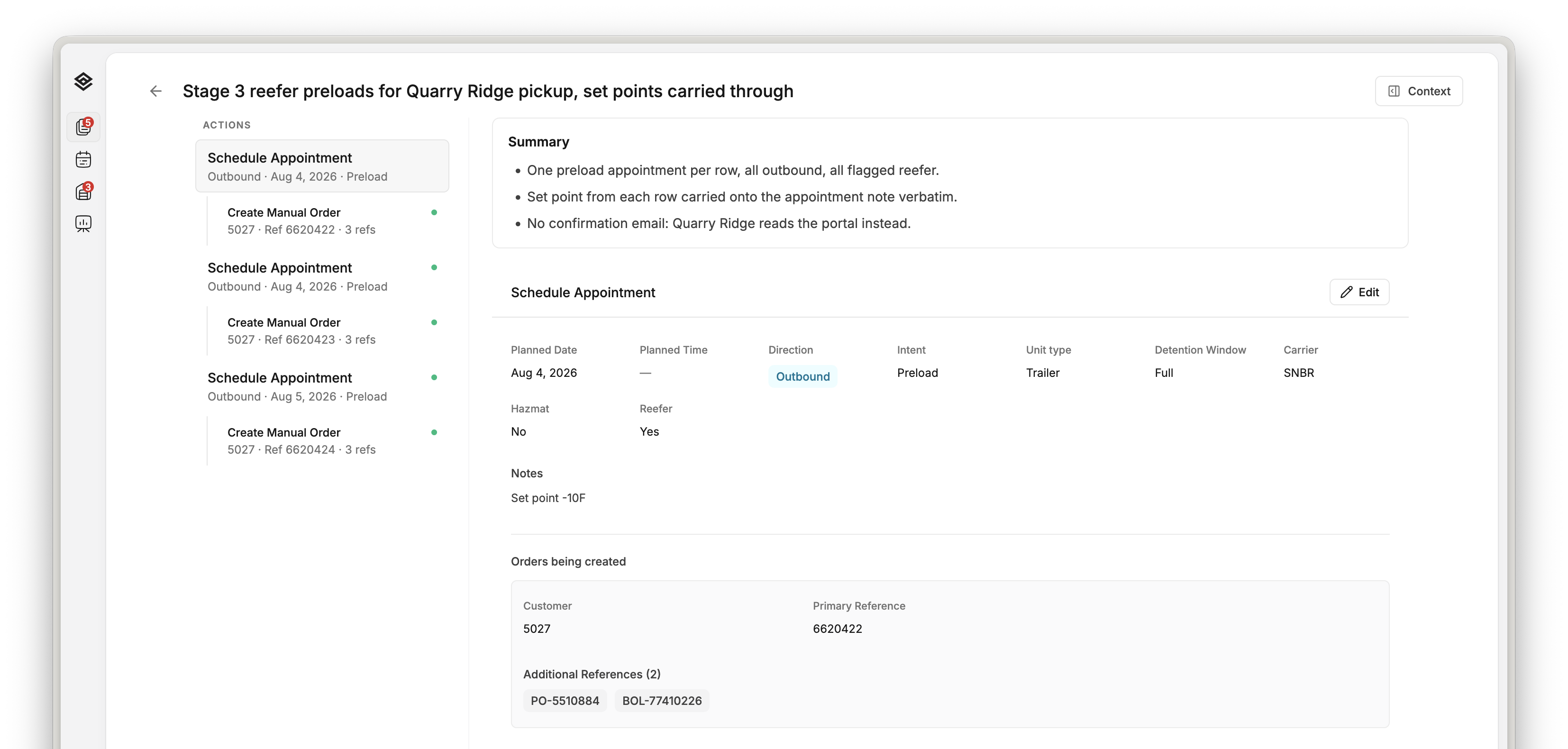
Turn inbound requests into approved operational plans.
Movo’s proprietary AI, Conductor, interprets customer emails and supporting documents and prepares the corresponding orders, appointments, and response drafts for authorized review and approval.
From approved plan to physical execution
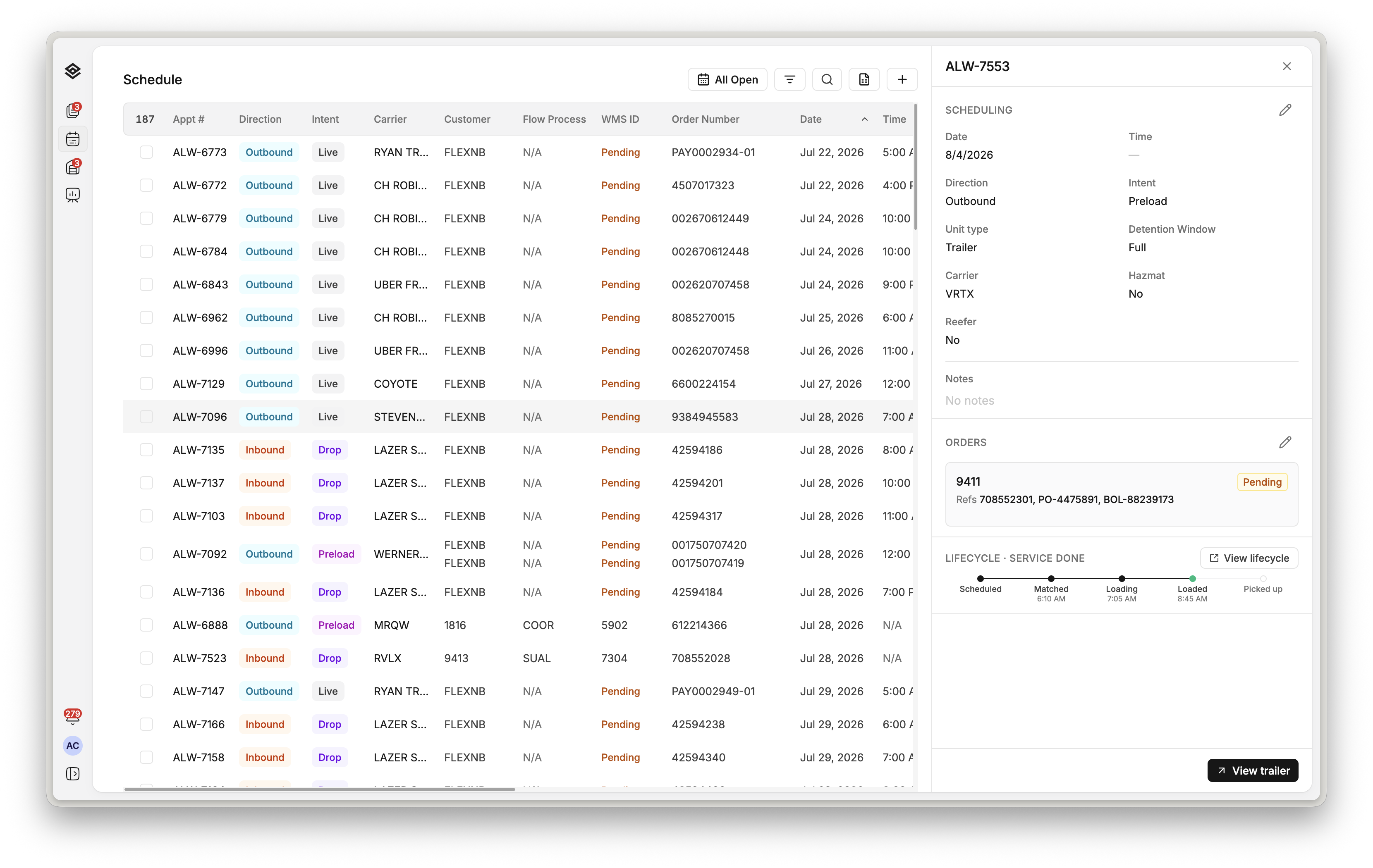
Coordinate gate, dock, and yard execution from the approved plan.
Once approved, the plan becomes the shared operating workflow for the facility, with progress and supporting evidence recorded in Movo.
Who Movo is for
Built for warehouse and logistics operators coordinating complex work across teams, facilities, and enterprise systems.
Movo is designed for operations where customer requests, planning decisions, and physical execution must remain connected from the office to the warehouse floor.
Platform capabilities
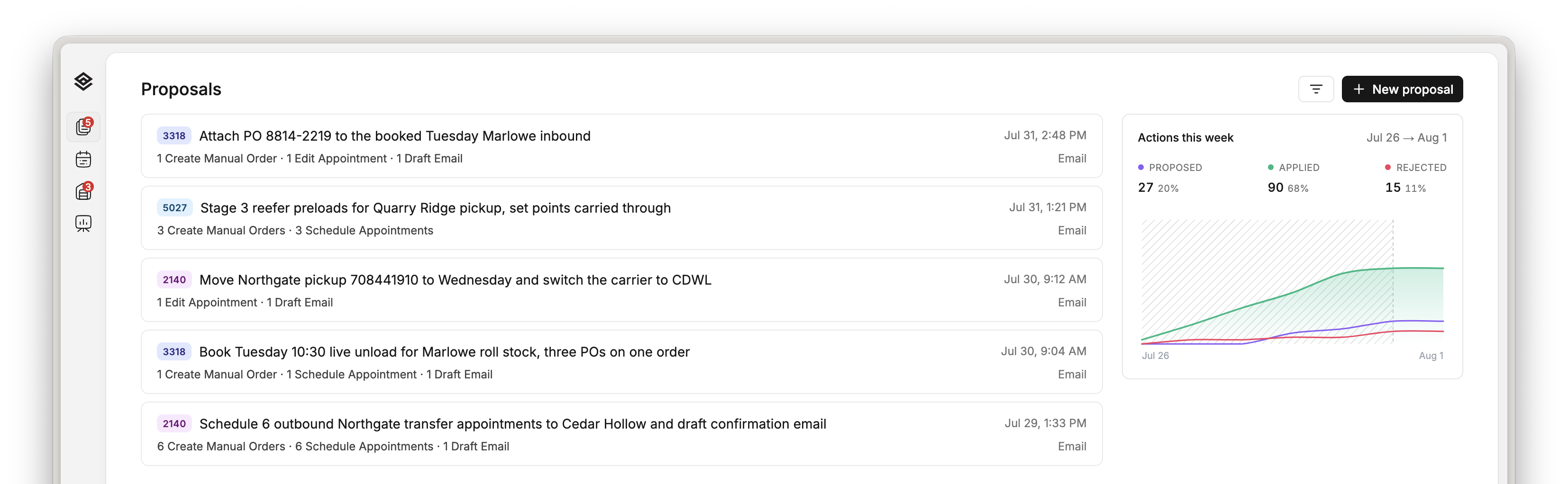
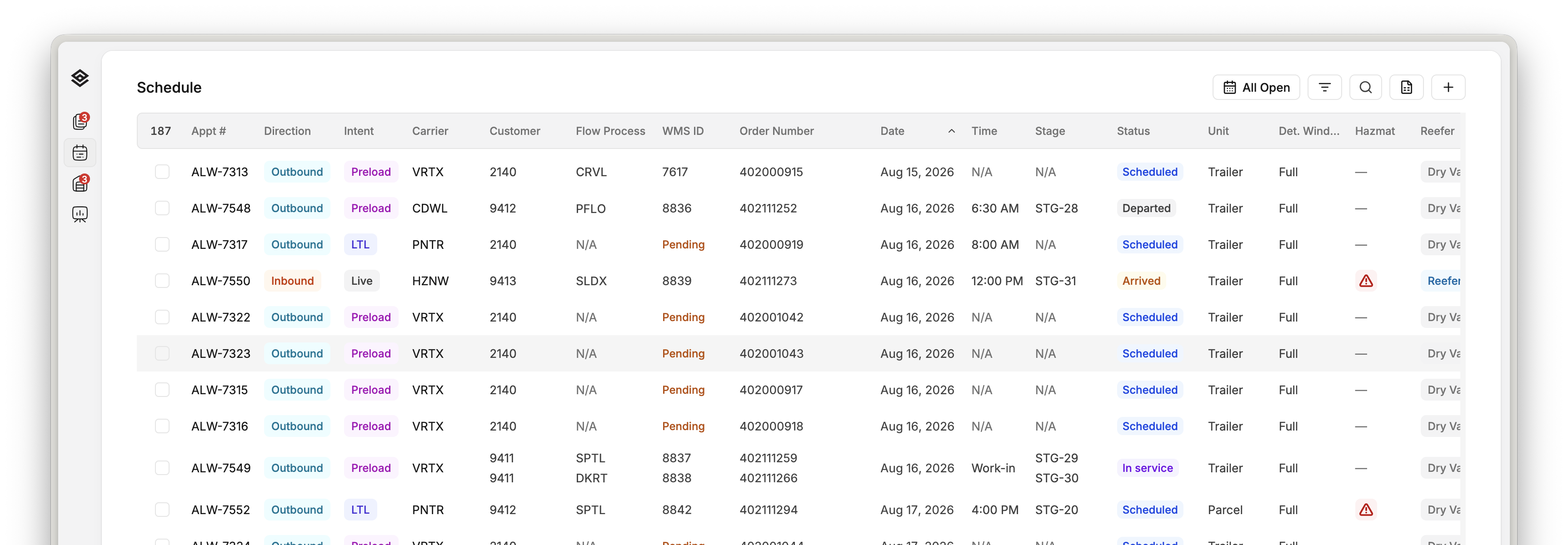
Connected applications for warehouse planning and execution.
Systems integration
Integrate Movo without replacing your existing systems.
Movo connects enterprise systems and operational inputs in a coordinated workflow without requiring a data migration.
Operational inputs
automation



Enterprise systems
Role-based applications
Movo equips operating teams with the information and controls required to complete work without manual handoffs.
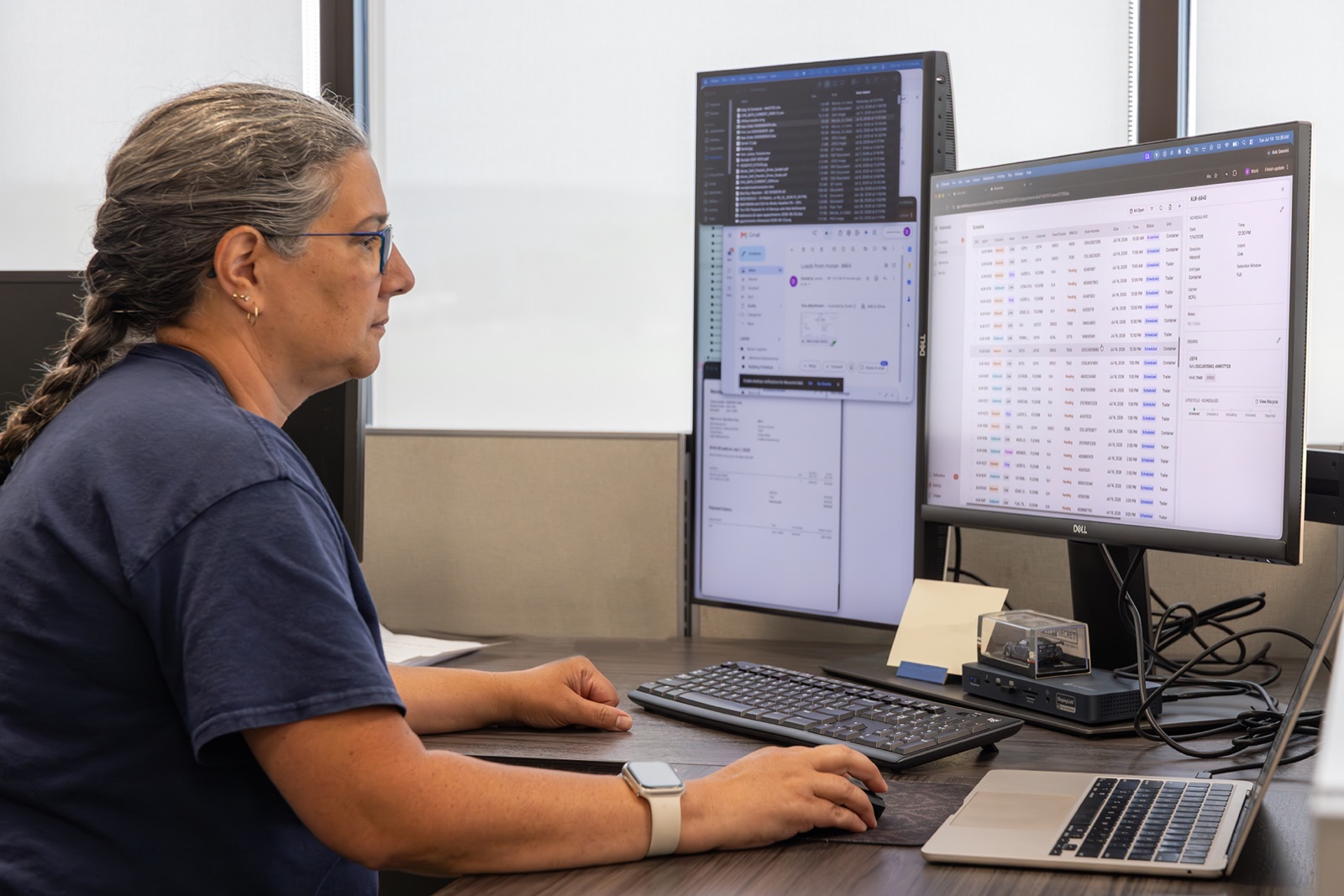
Manage customer commitments with a live view of appointment capacity and facility status.
Requests, appointments, door assignments, trailer status, and dwell time remain visible as work progresses across the facility.
Customer proof
Moran Logistics uses Movo across its Pennsylvania network to coordinate customer requests, scheduling, check-in, dock work, and yard execution.

- Deployment
- Pennsylvania warehouse network
- System of record
- Körber WMS
- Operating scope
- Customer requests through reporting
- Status
- In production

“The schedule gets built straight from the appointment requests, so we’re not keying it in by hand. I can see every dock door and trailer, inbound, outbound, empty, or preloaded.”
Implementation
Deploy Movo to fit each facility’s systems, operating requirements, and workflows.
Operational assessment
Define the facility’s operating model, system environment, customer requirements, and exceptions.
Systems integration
Connect Movo to the enterprise platforms and operational inputs that support the workflow.
Workflow configuration
Apply operating hours, check-in procedures, door rules, customer requirements, and approval policies.
Production readiness
Complete role-based training and acceptance testing before a controlled production launch.
Questions from operations and IT.
No. Movo integrates with existing enterprise systems and can be deployed without a WMS replacement or data migration. Integration requirements are defined for each organization’s systems and operating model.
- Movo integrates with platforms including Körber, Flexe, and Oracle OTM. Movo can also incorporate email requests, spreadsheets, EDI, SharePoint, and supporting documents into the workflow. Additional integrations and data exchanges are defined during implementation.
- Movo standardizes the operating model across facilities while allowing each facility to maintain its own hours, locations, customer requirements, access controls, and workflow rules.
- Conductor follows the automation and approval policies configured for each workflow. Organizations can require authorized review, enable automatic execution, or apply different controls by action, facility, or operating requirement.
- Operations and IT work with Movo to define facility workflows, system connections, access controls, and approval policies. Implementation includes configuration, acceptance testing, role-based training, and a controlled production launch.